
Skip to content

Beta · invitation only

Logo, overlays, alerts and a control room for your channel

Describe your channel once. StreamCrea generates the matching logo, emotes, banners, overlays and animated alerts, then runs them live from a deck in your browser.

100 credits offered when your account opens, no card needed

  • Cost shown before each generation
  • A generation that fails is not charged
  • Free with your own AI keys

Cosmos · 10/53 themes

From a channel name to a live overlay

  1. Describe your channel

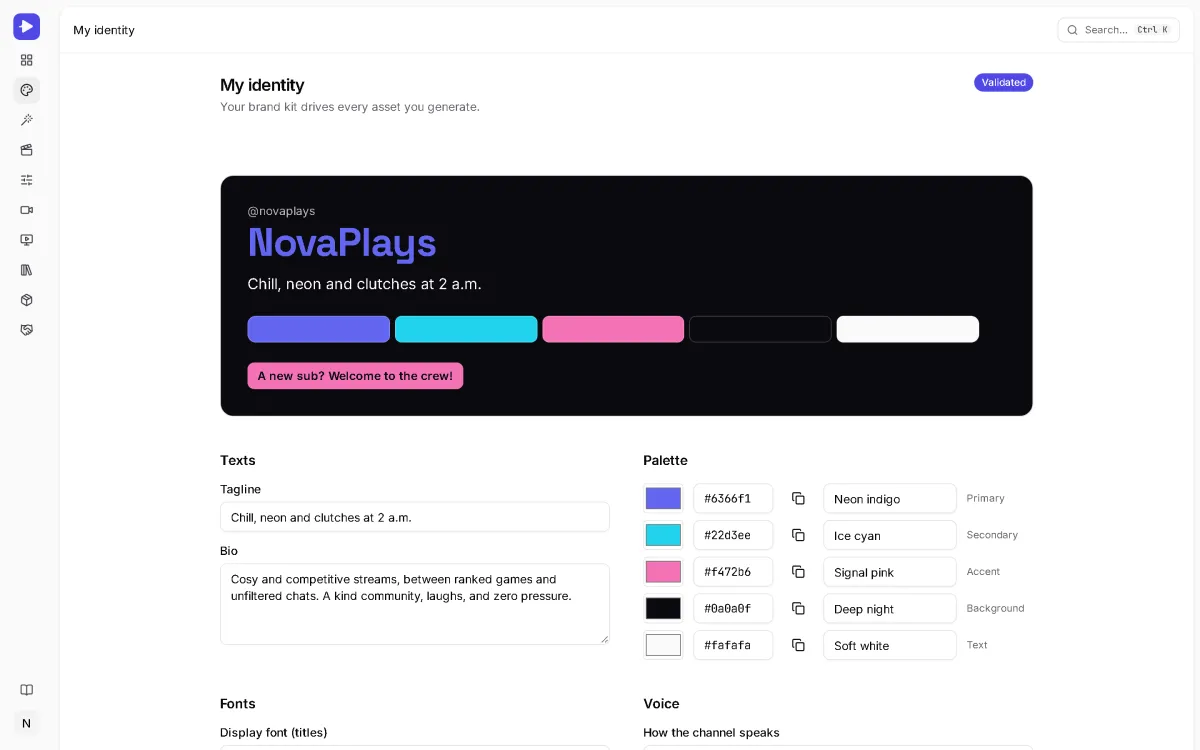
    Name, games, mood, two or three references. StreamCrea turns them into a brand kit: palette, fonts, mascot and a master style.

  2. Generate what you need

    Logo, emotes, banners, overlays, alerts, texts. Every generation starts from the brand kit, and its cost in credits is shown before you launch it.

  3. Go live

    Each overlay scene has its own URL to paste into OBS. The deck triggers alerts, scenes and sounds; Twitch, Kick and YouTube events arrive in real time.

The product, for real

Screens from the app, not mockups

Captured on a demo account: the NovaPlays channel, its brand kit, its library, its alerts and its control room.

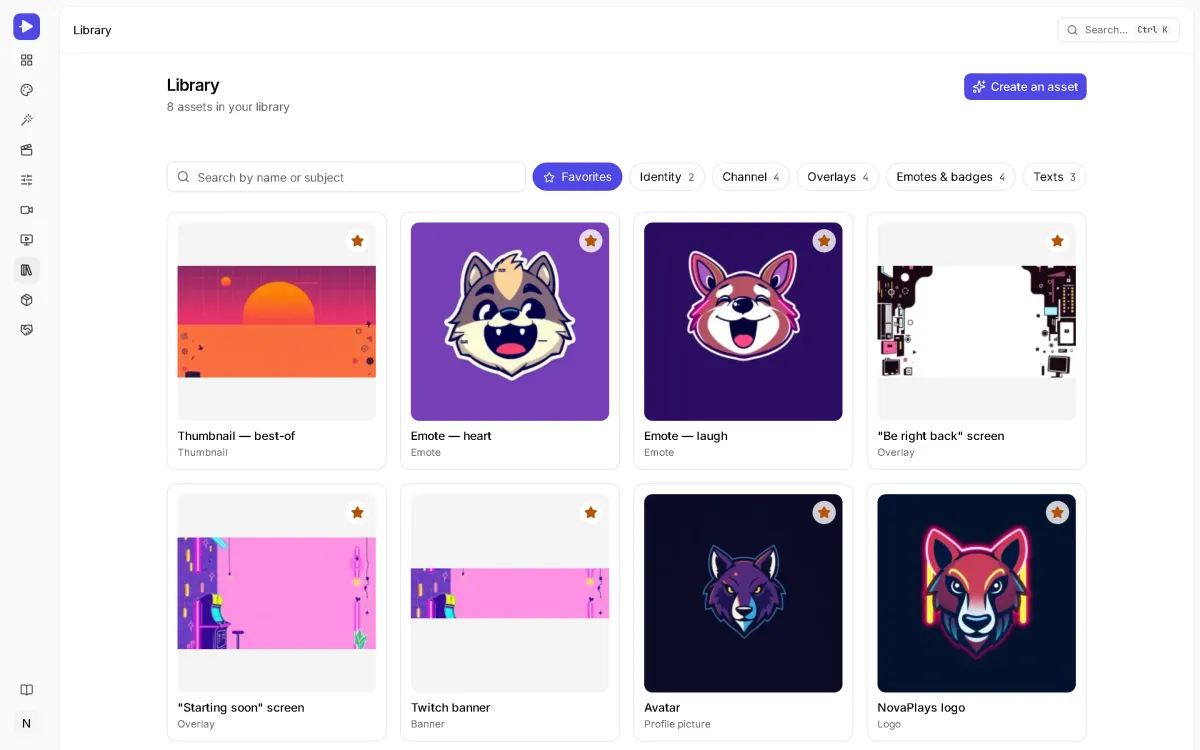
Every visual of the channel in one place

StreamCrea library: the NovaPlays logo, avatar, emotes, banners, overlay screens and thumbnail, marked as favorites.
Capture of the app, demo account · 6 Oct 2026
  • Logo, avatar, emotes, banners, overlays and thumbnails, filtered by family
  • Each asset keeps its versions: compare two takes, go back to the previous one
  • Export an OBS pack with the sizes already right

How StreamCrea builds your stream

1 248

NovaPlays

  • Lya_Pixel yo chat
  • KarimStream good evening everyone
  • sasha.gg that logo is really clean

Suggested: thank the raid in chat

1 650 creditsor your own key: €0

The starting point

A channel with nothing on it

A default avatar, no overlay, alerts borrowed from a template everyone else uses. Your stream looks like the last one someone watched.

Identity

Ten minutes, and the channel has a face

Describe your channel: name, games, mood. You get a logo, a palette, fonts, a mascot and a master style — and every later generation reuses them, so nothing drifts.

Pick a theme under the stage: the whole overlay changes, alerts included.

Studio

The scenery, at the right size

Starting soon, BRB, in-game, banners, panels, thumbnails: each one generated at the exact size its platform expects, from the same style.

Library

A webcam frame that belongs to you

Every asset keeps its versions. Compare two takes, go back to the previous one, export the whole thing as an OBS pack with the sizes already right.

Animations

Alerts that are yours, not a template

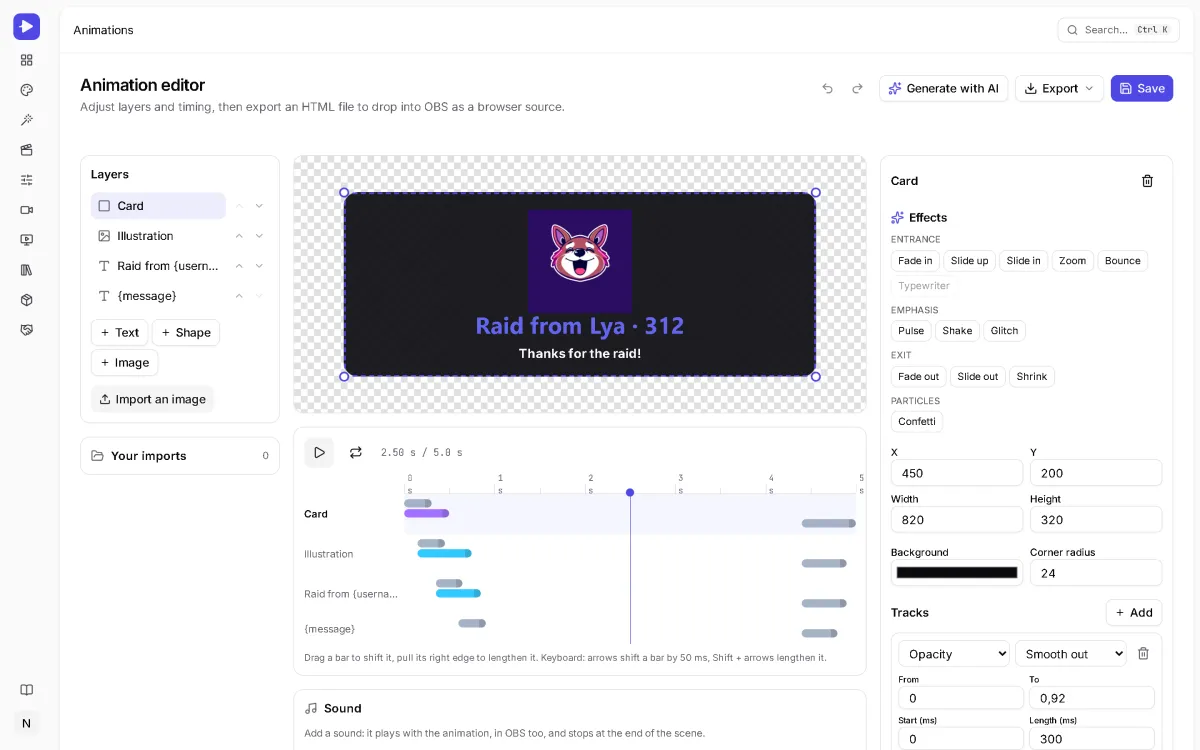
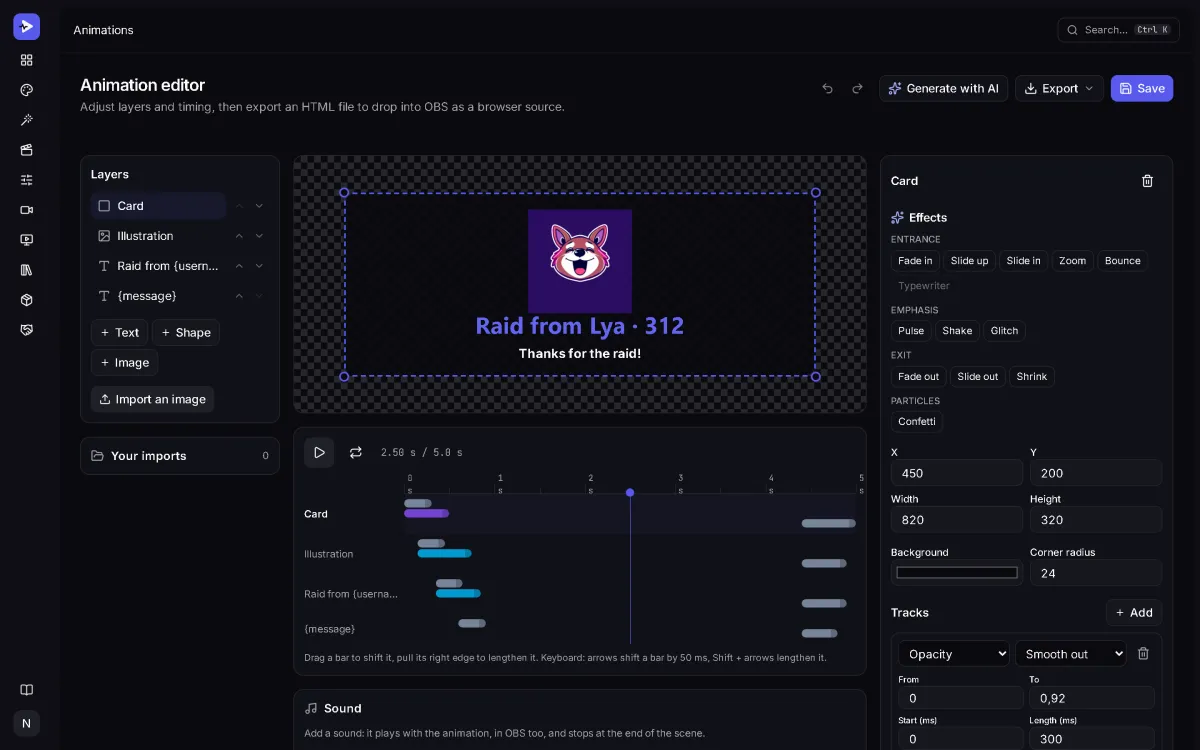
An editor with a timeline, your variables ({username}, {amount}), a transparent preview — exactly what OBS will show. Export as a browser source or a transparent WebM video.

Overlays

Chat, goals, counters — live

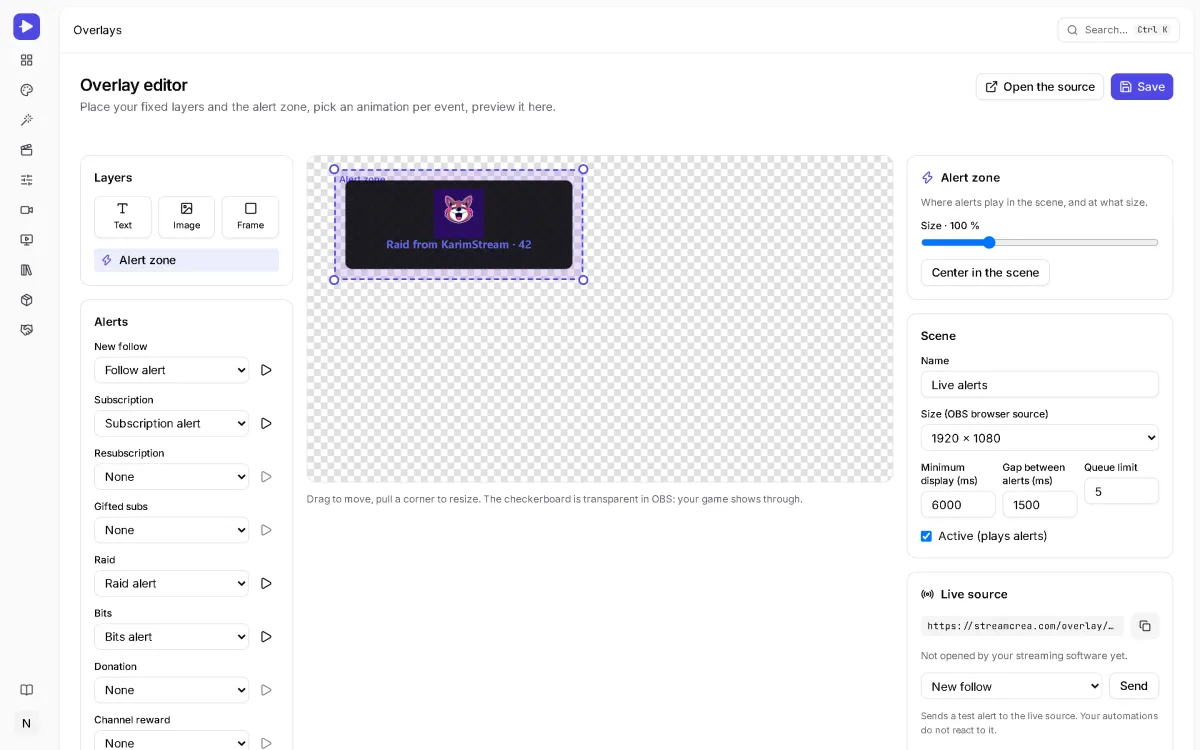
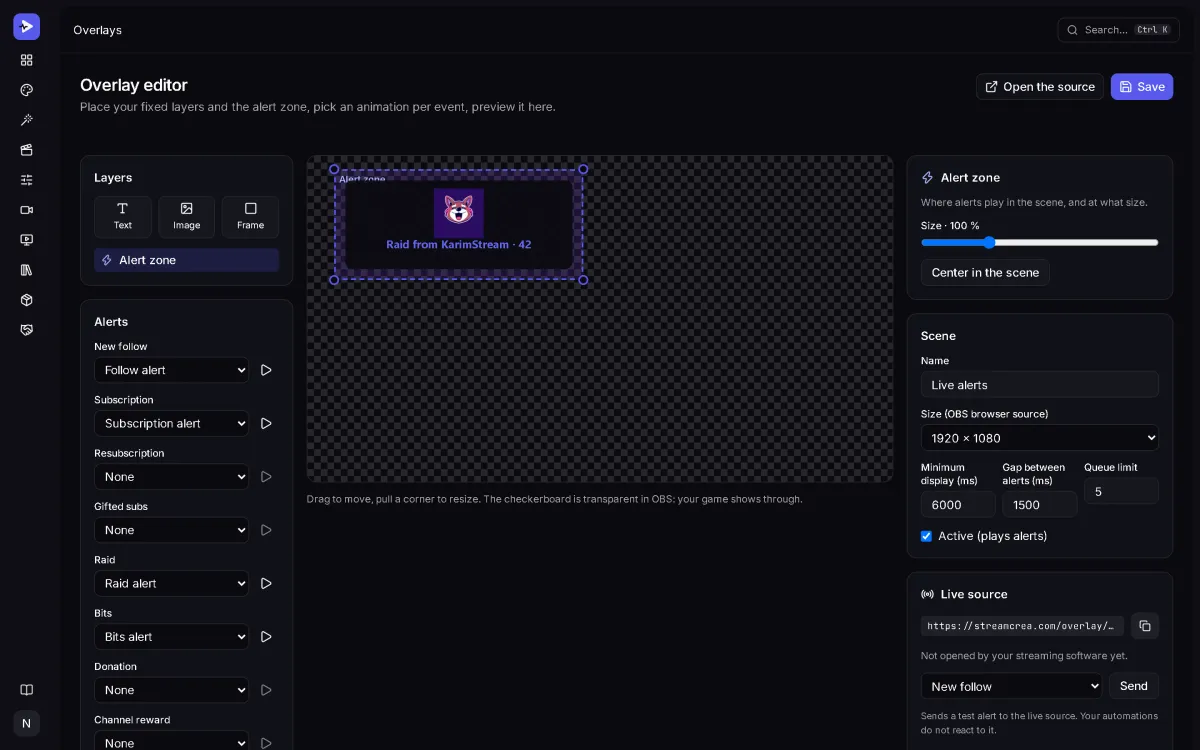
One signed URL per scene, pasted into OBS. It updates in real time and can be revoked in a click if it leaks.

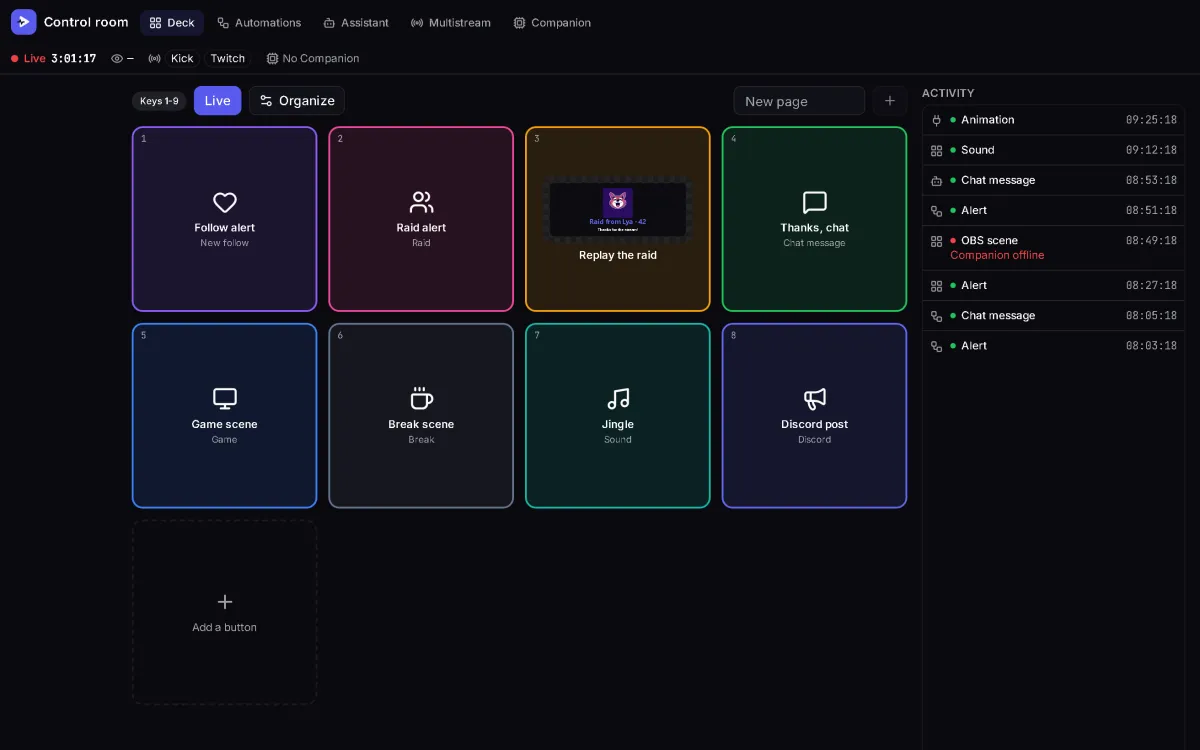
Control room

A deck, on the tablet next to you

Your assets become actions: fire an alert, play a sound, switch an OBS scene, post in chat. One tap, and the guarded keys ask for confirmation first.

Automations

Three platforms, one broadcast

Twitch, Kick and YouTube in one place: one unified chat, one title to update, one announcement. A raid arrives and the rule fires the alert and the thank-you on its own.

Assistant

It suggests, you decide

An agent watches the events and proposes — a thank-you, a clip marker, a summary. It can never moderate, ban or delete: those actions do not exist in its catalogue.

Cost

Pay what the AI costs, or nothing at all

Prepaid credits for the amount you choose, or Pro with credits included every month — the price is shown before each generation. Or plug in your own key (OpenAI, OpenRouter, Mistral, a model on your own machine) and pay your provider directly.

On air

Your stream, in your colours

Pick a theme, or make your own: colours, fonts, panels, layout, alert entrance, channel name — the screen follows as you edit. Then open it in the studio: your identity starts from it.

Join the early-access list

Mini studio

Type your channel name

Style · Cosmos

A taste computed in your browser, no AI and no credit: in the studio, the AI draws the real logo, emotes and overlays from the same style.

NovaPlaysLogo
Palette · #7c83ff
New follow: NovaPlays
Welcome to the crew!
Follow alert — the same engine as the studio and OBS

Everything your channel needs

One brand kit, every asset

Each generation reuses your colors, fonts, mascot and style, so a new emote matches the banner you made last month.

One brand kit, every asset
AssetWhat you getWhere it goes
Logo & brand kit Logo, avatar, palette, fonts, mascot, master styleEvery other asset
Banners & panels Profile banner, channel panels, video thumbnailsTwitch, YouTube, X, Discord
Emotes & badges Static, exported in every required sizeTwitch, Discord, 7TV, BTTV
Overlays & scenes Starting soon, BRB, ending, in-game, webcam frameOBS, as a browser source
Alerts Follow, sub, raid, bits: artwork, then an animation you editOBS, Streamlabs, StreamElements, transparent WebM
Texts Bio, stream titles, chat commandsYour channel page and chat
Voices & jingles Coming soonAnnouncer voice, alert sounds, waiting musicAlerts and the deck sound board
Intros, outros & animated emotes Coming soonShort videos, animated emotesStart and end of your stream

Your keys, your models

Use our credits, or plug in your own AI keys

  • Available with our credits
  • With your own key only

Point at an engine, or tap it, to see what it generates.

AI providers supported, plus any OpenAI-compatible endpoint
16
credits used when a generation runs on your own key
0
monthly spending cap, set by you, including on your own keys
1

Keys are encrypted at rest and never shown again in clear. If the default engine is down, the generation switches to a fallback engine. You pick the engine for each generation.

Integrations

Plugged into the platforms you stream on

Events come in from your platforms, alerts and announcements go out to your streaming software. Choose a link to see what it carries.

Twitch

Follows, subs, gifted subs, raids, bits and chat arrive in real time and trigger your alerts.

StreamCrea receives

  • New follow
  • Subscription
  • Resubscription
  • Gifted subs
  • Raid
  • Bits
  • Channel reward
  • Chat message
  • Went live
  • Stream ended

StreamCrea sends

  • Stream title and category
  • Messages in your chat
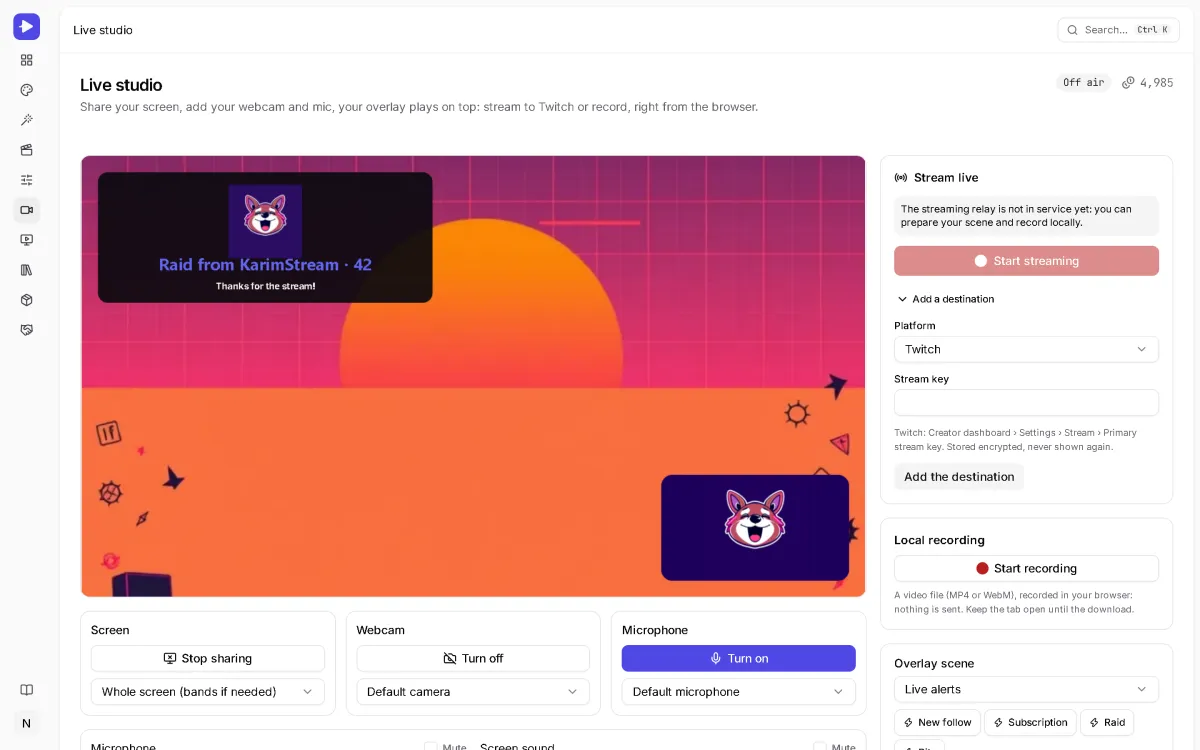
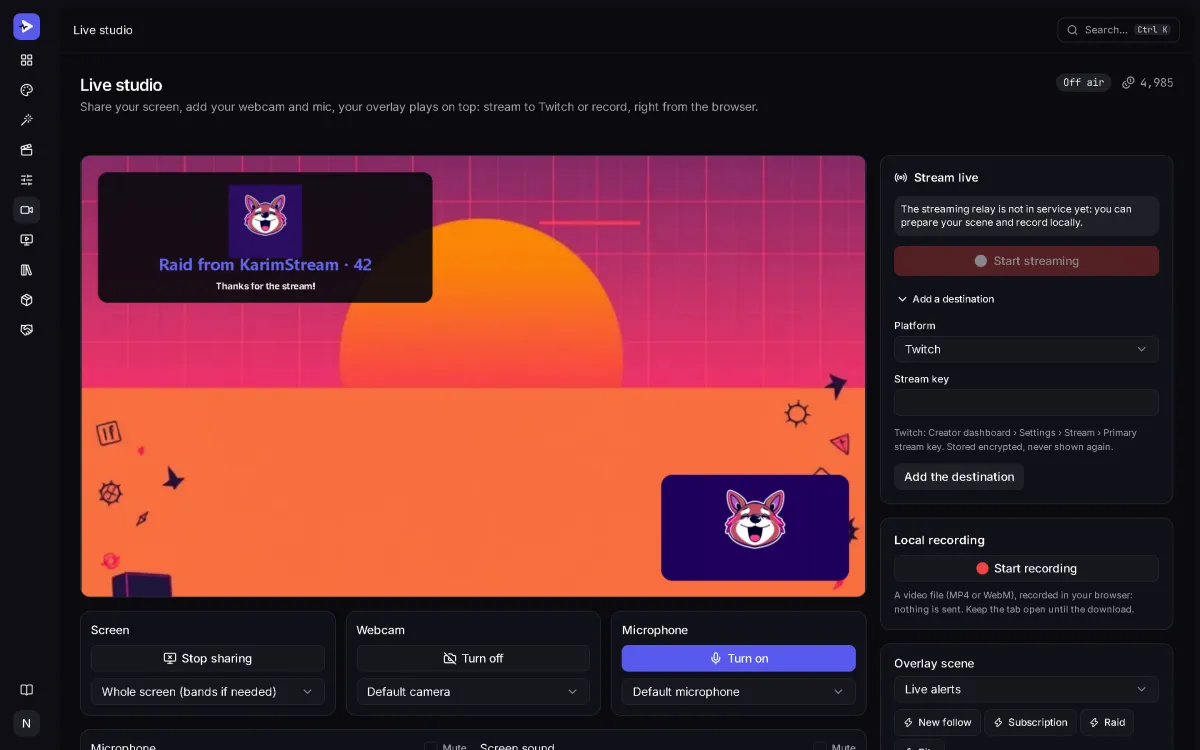
  • Your broadcast from the live studio

Early access

Sign-ups are by invitation

StreamCrea opens in waves. Join the list: once your address is confirmed, you receive a personal invitation to create your account, in order of arrival.

  • One confirmation email, then your invitation. Unsubscribe in one click.
  • An unconfirmed address is deleted after 7 days. Privacy policy

Pricing

Pay for what you generate

Prepaid credits for the amount you choose, or Pro with credits included every month. Bring your own keys and pay nothing.

Pay as you go

Prepaid credits, the amount you choose. They never expire.

€202,000 credits

That is about

  • 1,000images (logo, emote, banner…)
  • freetexts (bio, titles, commands)
  • 2,000minutes of live broadcast

With the default engine. The exact cost is shown before each generation.

Join the early-access list

Credit purchases open soon. Until then, use your free credits or your own keys.

Pro

€99.99per month

15,000 credits included every month

Worth €150 at the pay-as-you-go price

Join the early-access list

The Pro subscription opens soon.

Your own key

€0

Plug in your OpenAI, Anthropic, Mistral, OpenRouter… key or a local Ollama: no credits used, your provider bills you directly.

Pricing details and FAQ

Frequently asked questions

14 questions

Still have a question?

Write to us

Start with your channel name

Join the early-access list, then describe your channel and generate your first brand kit. With your own AI keys, it costs nothing.